Customizing the accessibility button color
The colorButton parameter has been added, allowing you to change the color of the plugin button.
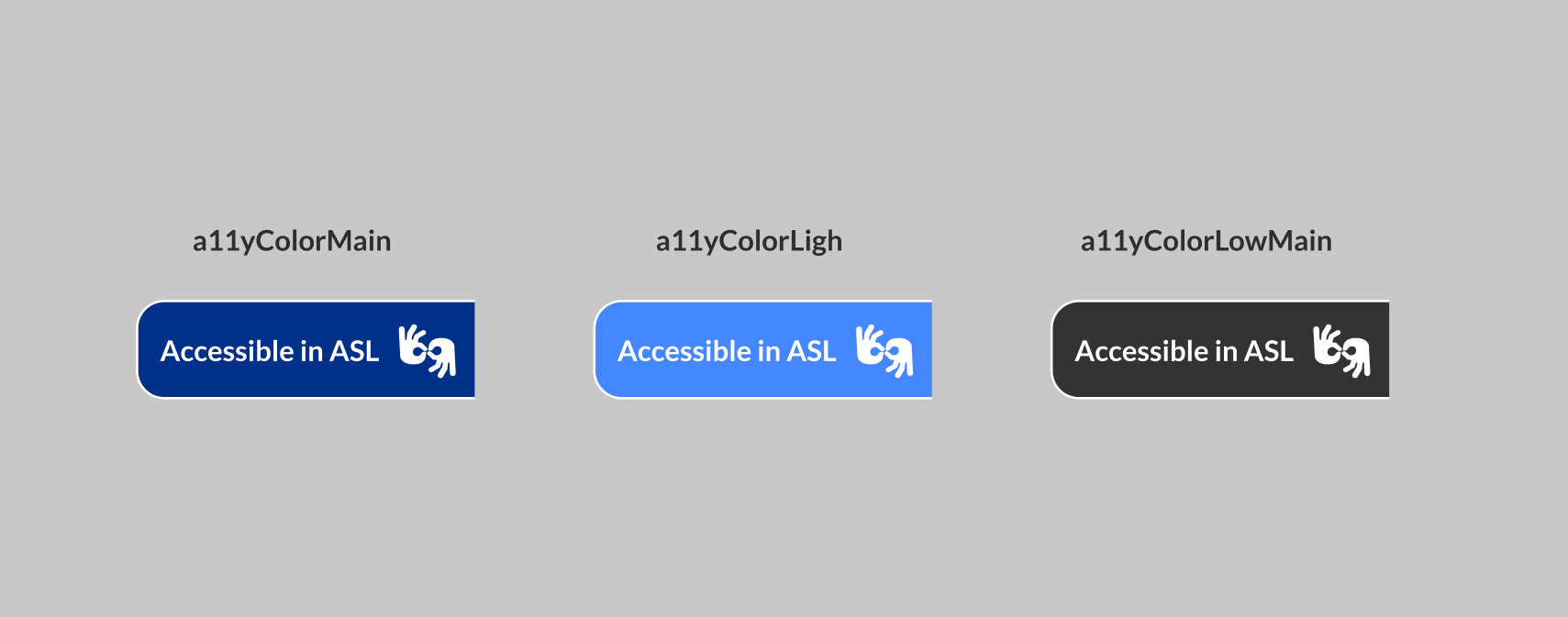
The colorButton parameter can be assigned one of the following three values:
- ✅ a11yColorMain
- ✅ a11yColorLight
- ✅ neutralLowMain
When to use each color
Following the recommendations of the WCAG (Web Content Accessibility Guidelines), "The visual presentation of text and text images has a contrast ratio of at least 7:1".
Click here to consult the WCAG documentation.
It is therefore recommended that:
a11yColorMain and neutralLowMain be used in lighter contexts.
The a11yColorLight is used in darker contexts.
warning
It is necessary to pay attention to carousel banners, so that the accessibility button is visible on all images.
✔ More information in the Parameters section.