Introduction
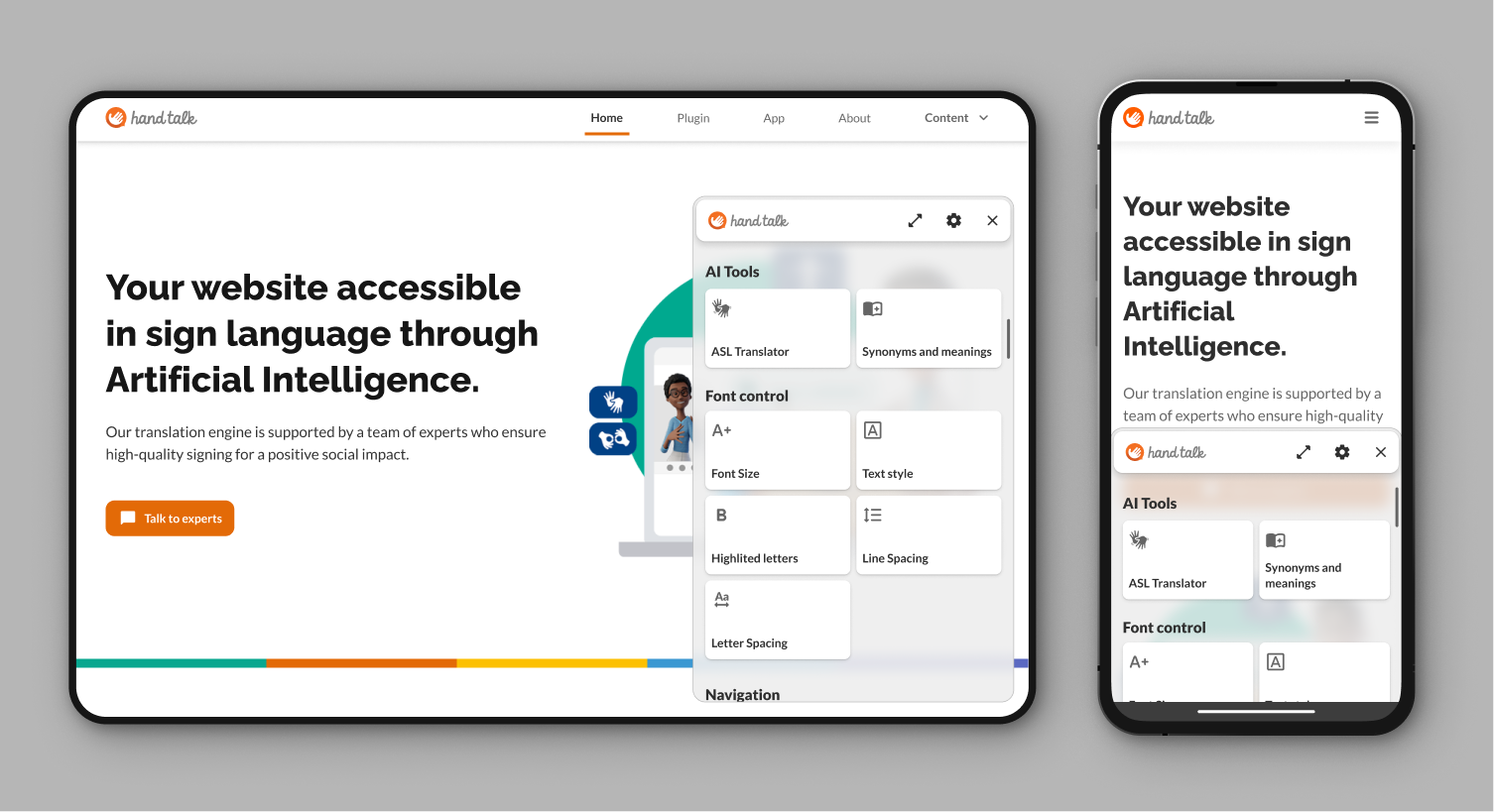
The Hand Talk plugin translates website content into Sign Language, making it more accessible. It also offers Accessibility Features to improve the experience according to the needs of each user.
About the Website Translator
When you click on the accessibility icon, a window will open with one of Hand Talk's virtual translators, Hugo or Maya.
While this window is open, the texts and images with descriptions on the website will become clickable. By selecting one of these elements, the virtual translator captures the content and translates it into Sign Language.
The functionality is also available on mobile devices, with adjustments that improve usability for the user.

About Accessibility Features
Accessibility Features enhance the usability of websites, making the content more accessible and comfortable for reading, as well as helping to maintain focus.
When you click on the eye icon, a window will open with several options to customize the display or reading of the website content.