Bottom buttons
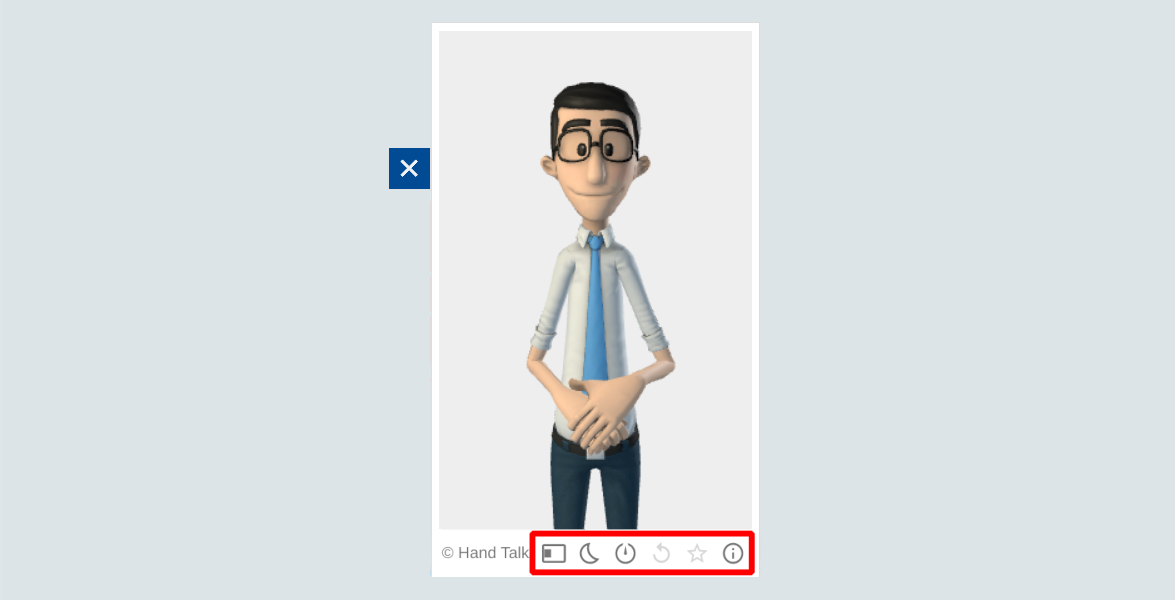
When the website translator is open, there is a section below with some buttons that can be used (Highlighted part in red at the image above). These buttons means:
| Button | Functionality |
|---|---|
 | Changes the translator side |
 | Change the theme of the tool |
 | Changes the translation speed |
 | Repeats the last translated phrase |
 | Opens a window that serves to rate the last translated phrase |
 | Makes the translator explain the plugin for you |