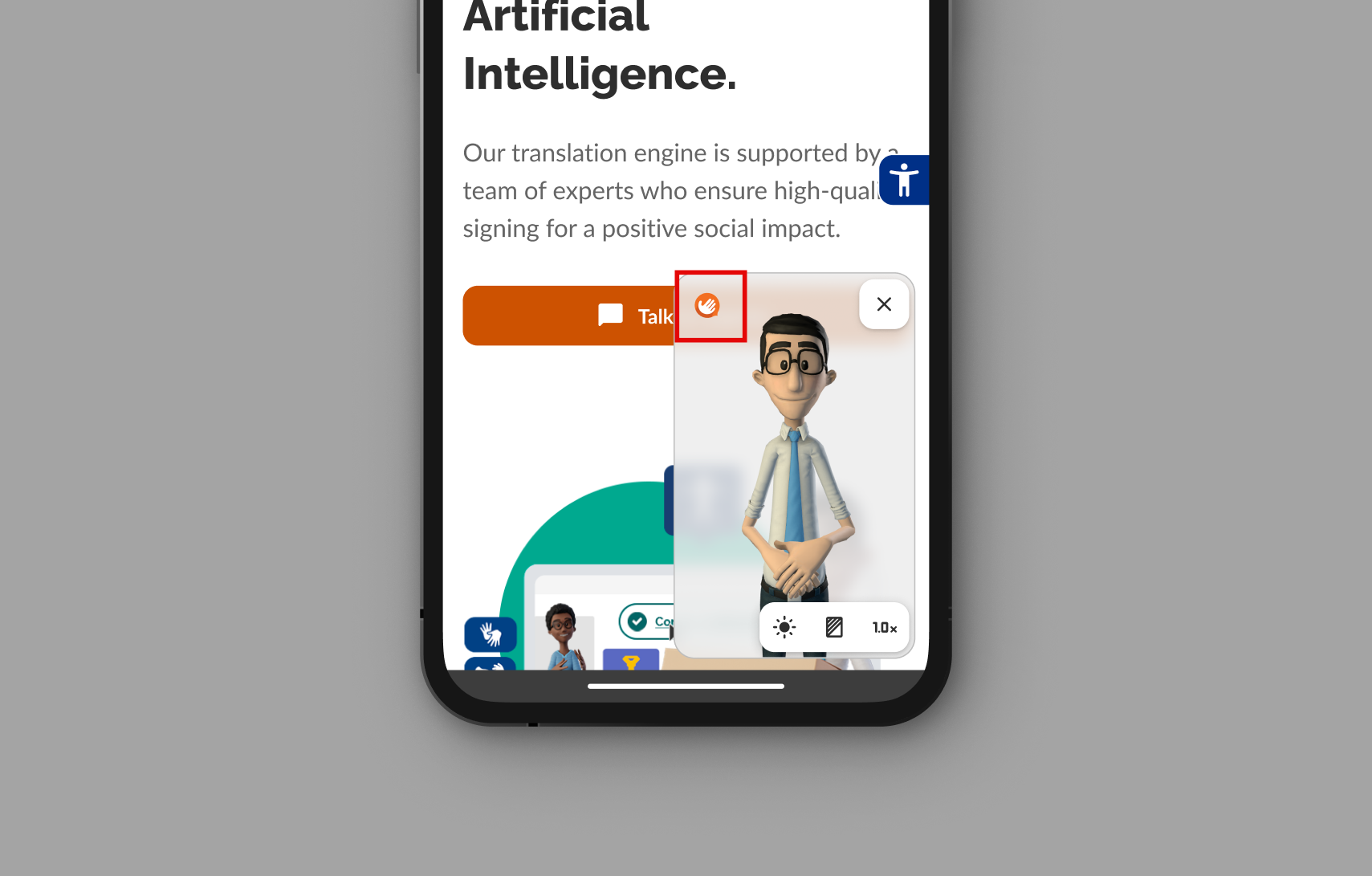
Website Translator
Below, you can see all the basic functionalities that can be used in the website translator.
The user can access the Hand Talk Plugin's Website Translator by clicking the button with the hand icon.
Translation
By clicking on any text or image, it will be translated into sign language.
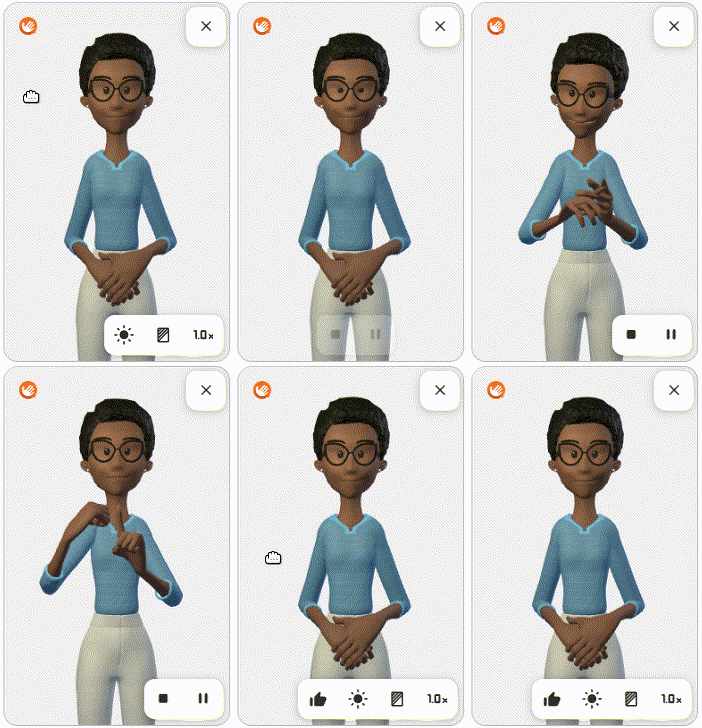
Speed
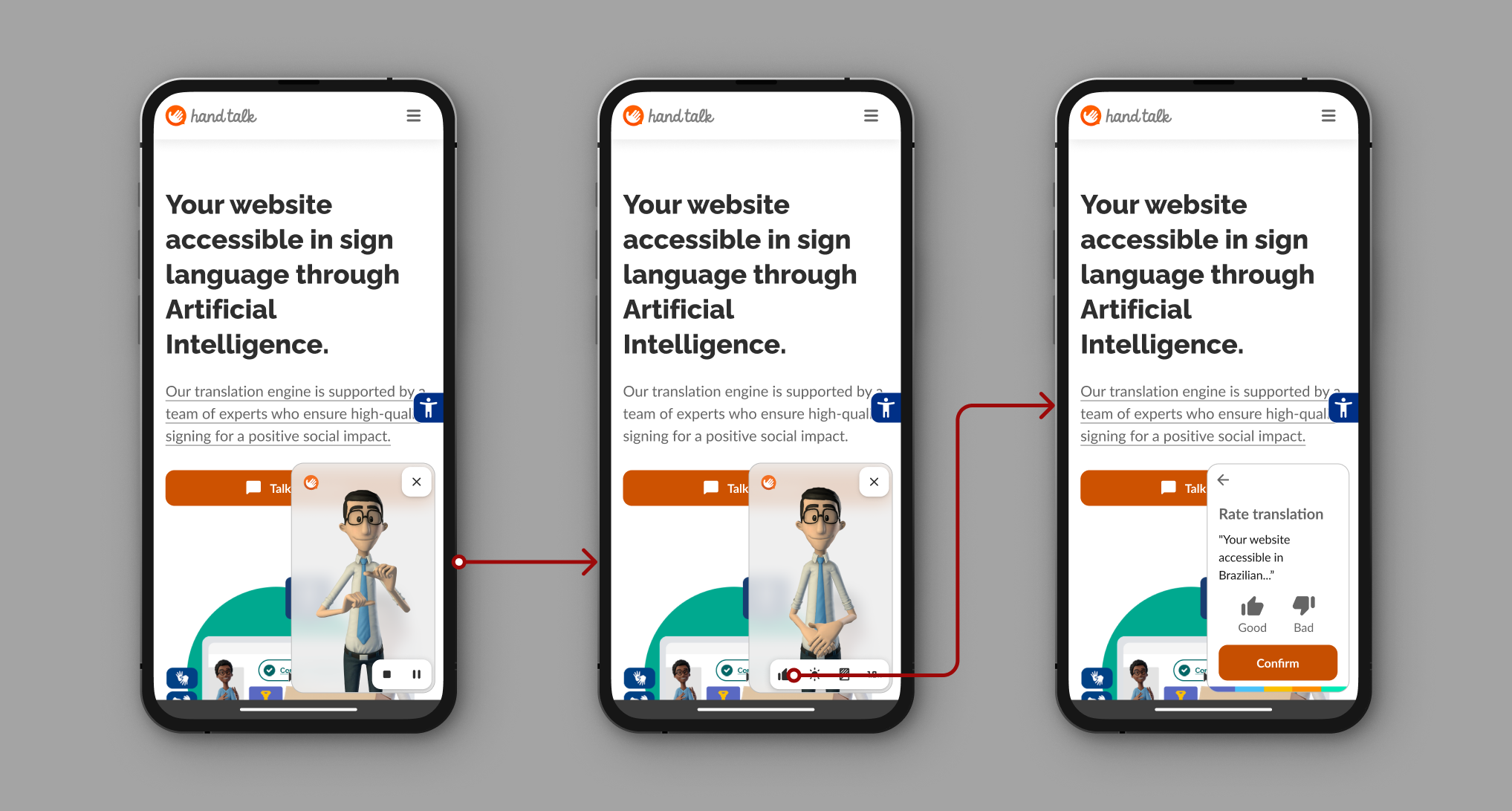
It is possible to switch between slow (0.5), normal (1.0), and fast (1.5) speeds.
- 0.5 → Slow
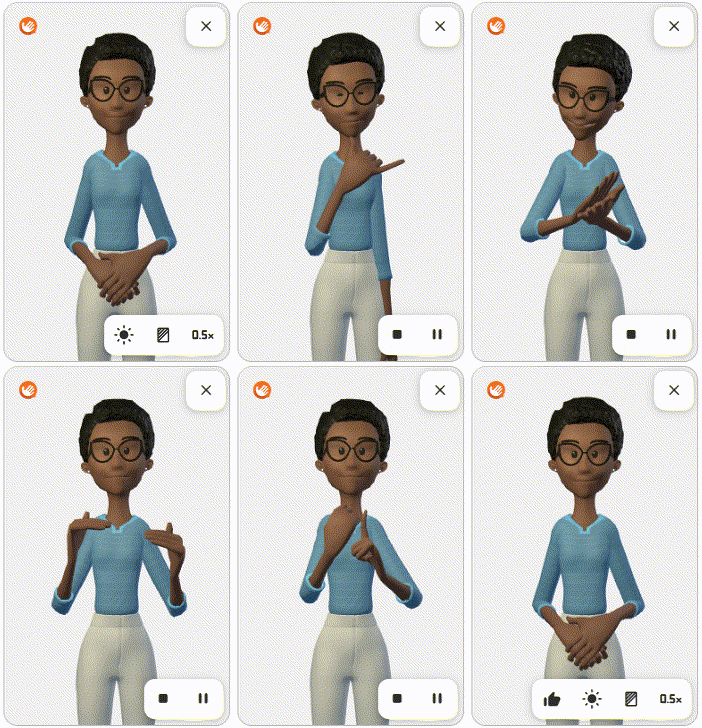
- 1.0 → Normal
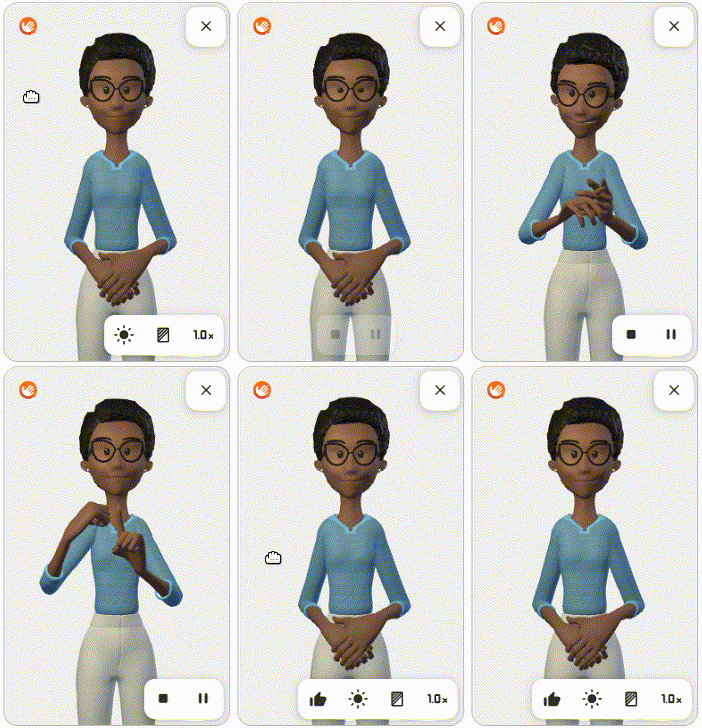
- 1.5 → Fast
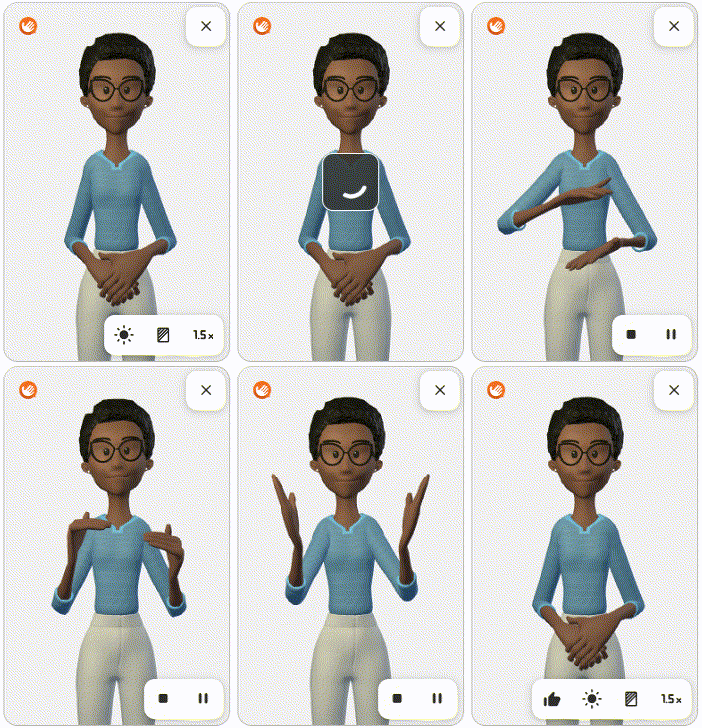
Pause/Unpause Translation
During translation, the user can click the "pause" ⏸ button to interrupt the translation.
- 📌 When paused, the translation stops, and the "pause" ⏸ icon is replaced by the "play" ▶ icon.
- 📌 Clicking "play" ▶ resumes the translation, and the icon changes back to "pause" ⏸.
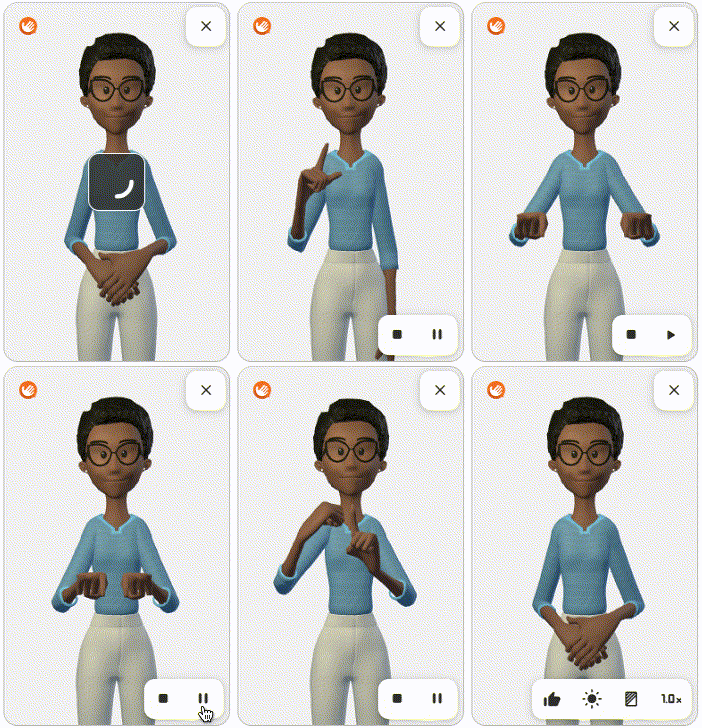
Stop Translation
During translation, the user can click the "stop" ⏹ button to cancel the translation.
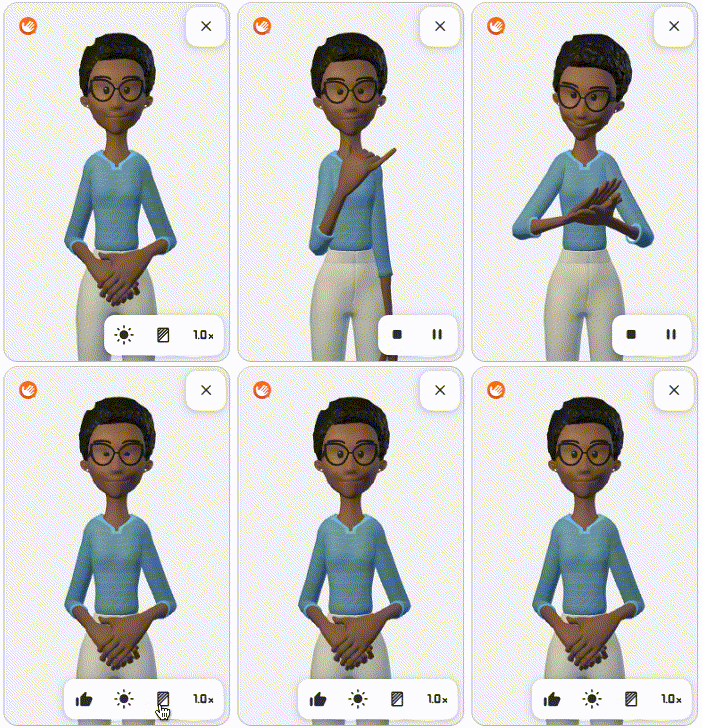
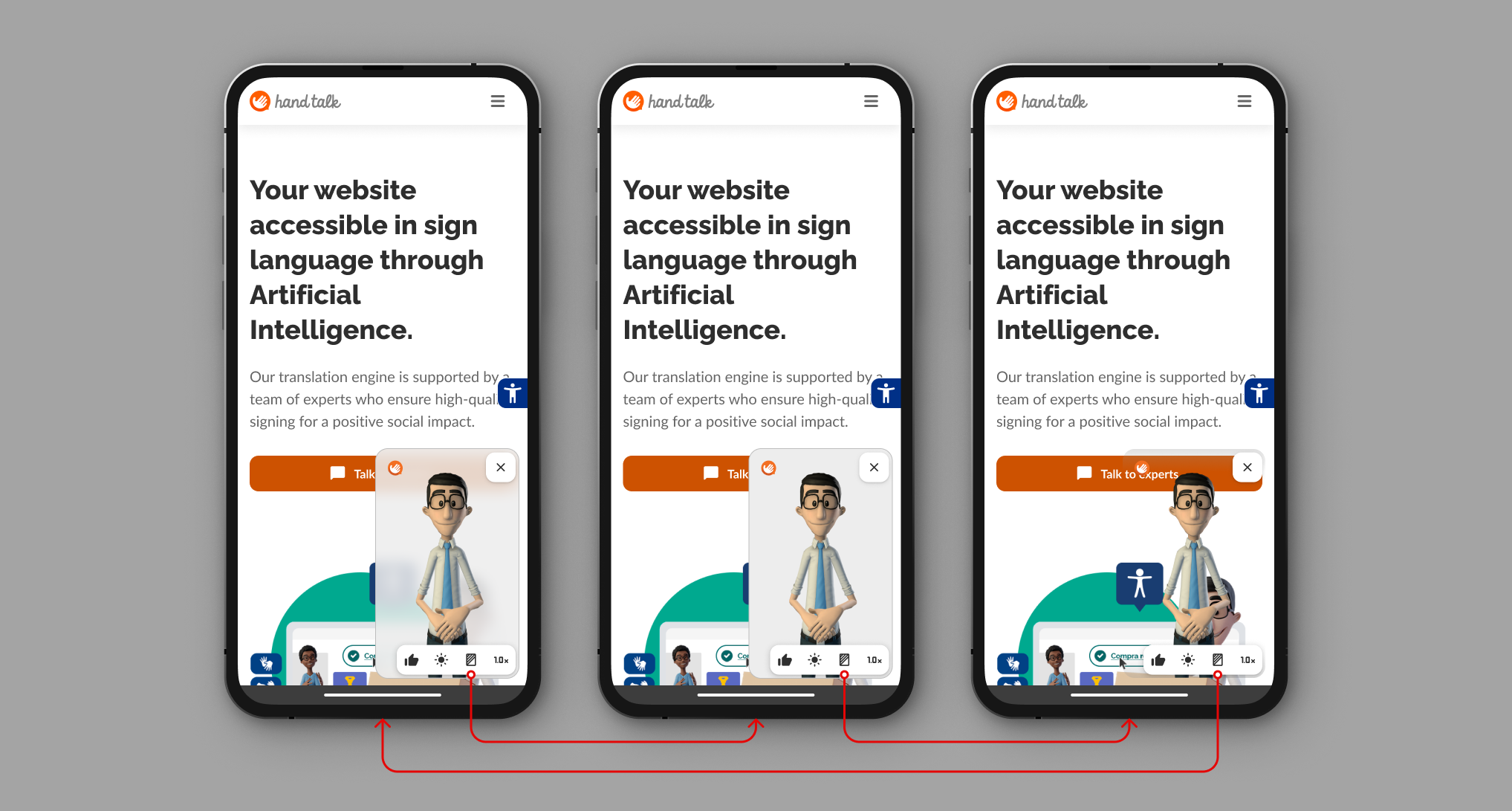
Change the translator's background opacity.
Translation Evaluation
After the translation is completed, it is possible to rate the translation as Good or Bad.
Access Links
If the translated information is a clickable element, a "Access Link" button will be displayed. Pressing it will reproduce the element’s original functionality.
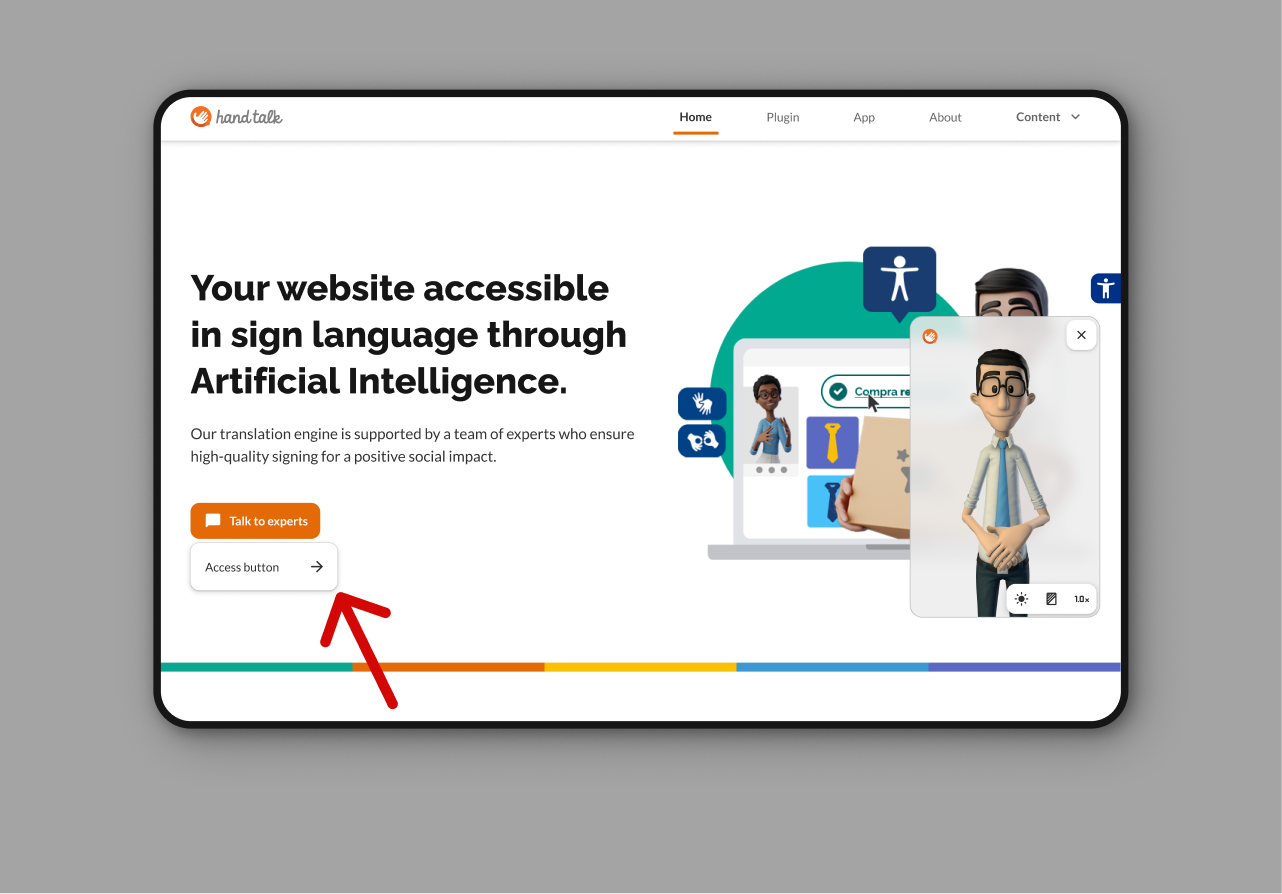
The Website Translator automatically recognizes elements with the HTML tags <a> and <button>.
If your website has elements that are not automatically detected, you can use the clickables parameter to specify which should be recognized.
Elements can be identified by classes, IDs, or HTML tags and must be inserted inside brackets, in quotes, and separated by commas:
clickables: ["#botao", ".btn", "nav"]
✅ For more information, visit the Parameters page.
Top Menu
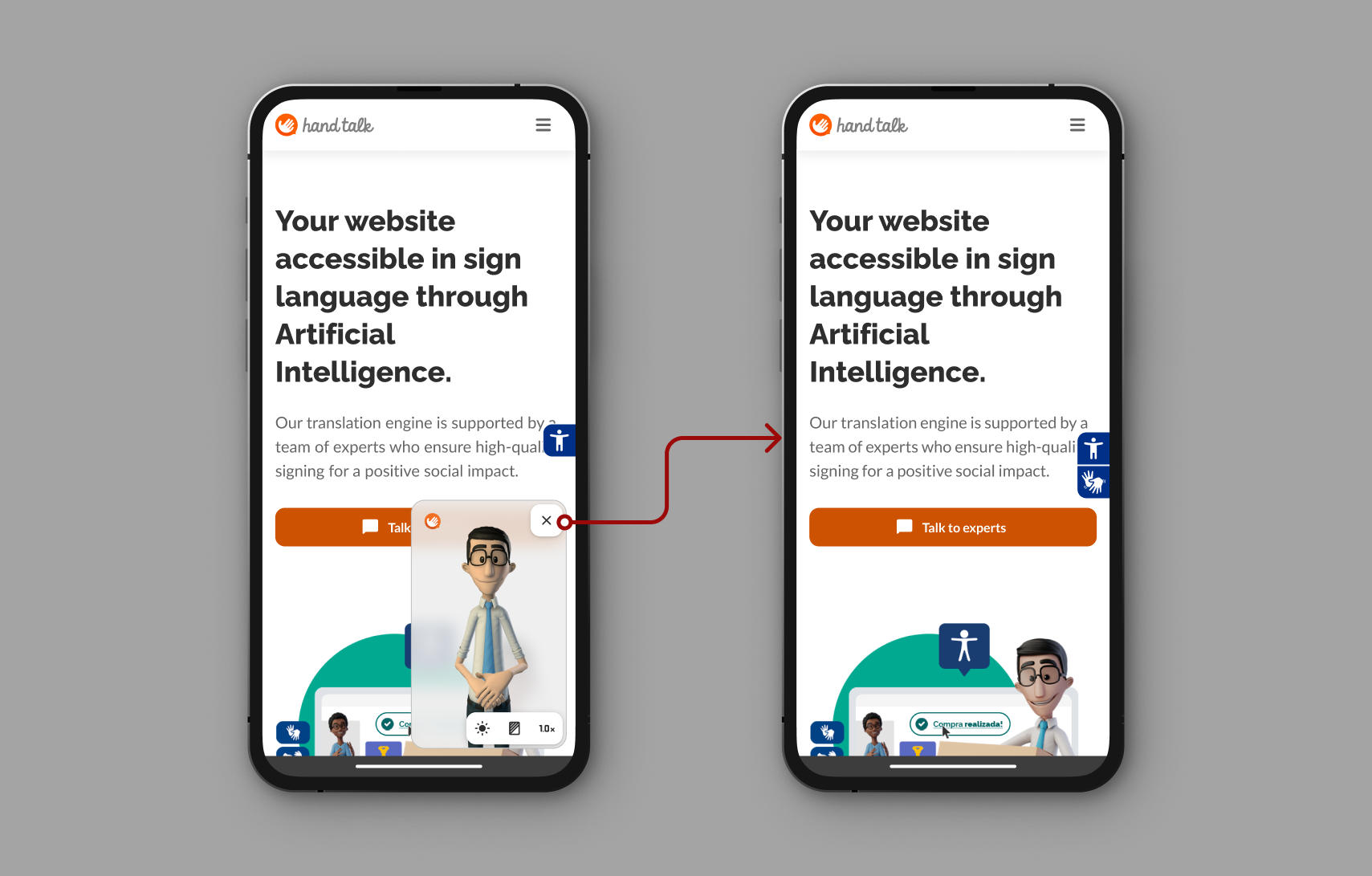
Close
Button to close the website translator.
Link to the Hand Talk website
Button that leads to the Hand Talk website.