Config session buttons
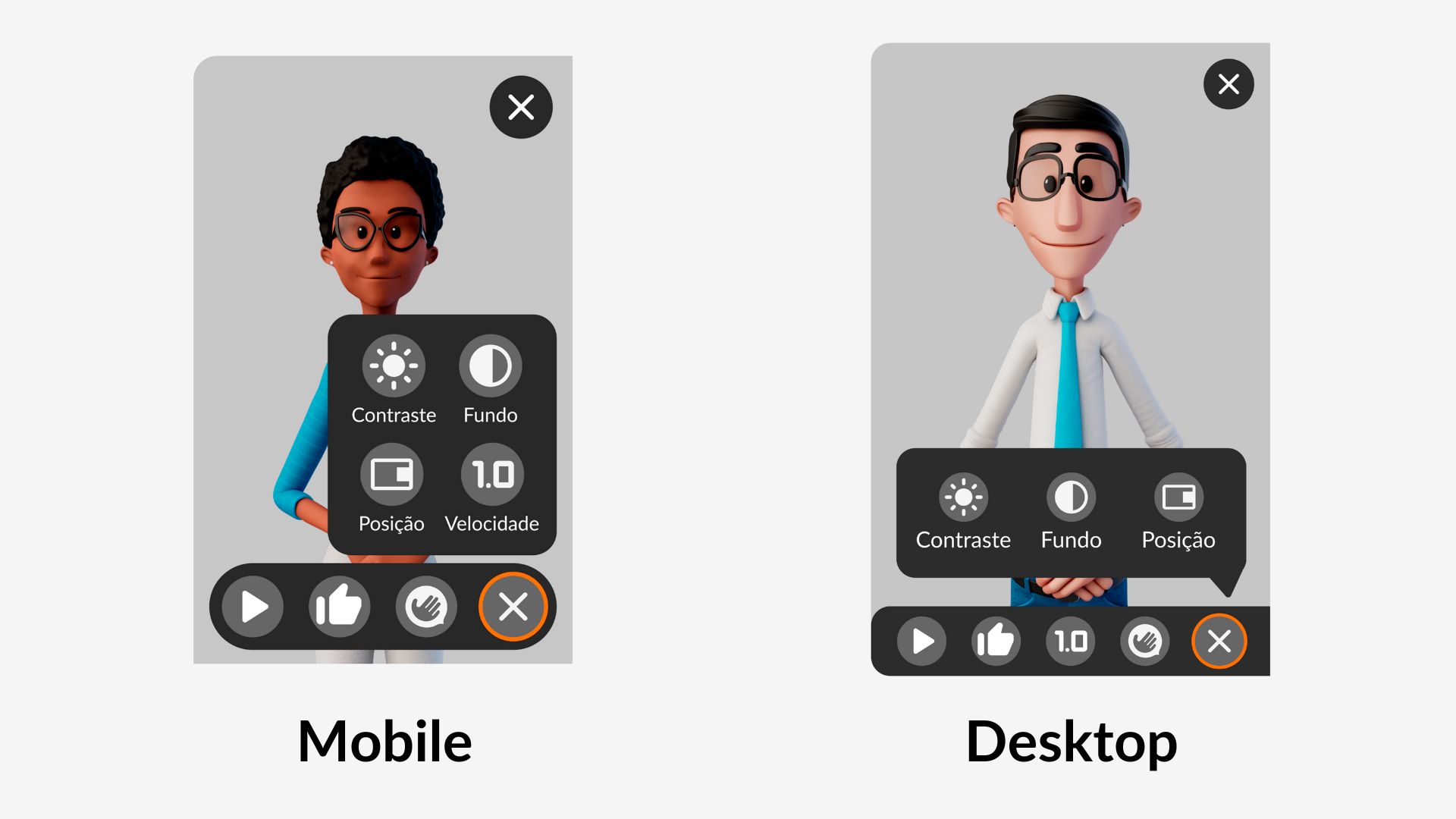
When opening the main menu, a balloon appears with some buttons that can be used (part of them highlighted in red in the image above). These buttons mean:
| Button | Function |
|---|---|
 | Changes tool contrast for light mode |
 | Changes tool contrast for dark mode |
 | Changes the tool's background opacity |
 | Switches sides of the translator window |
 | Changes the translation speed |