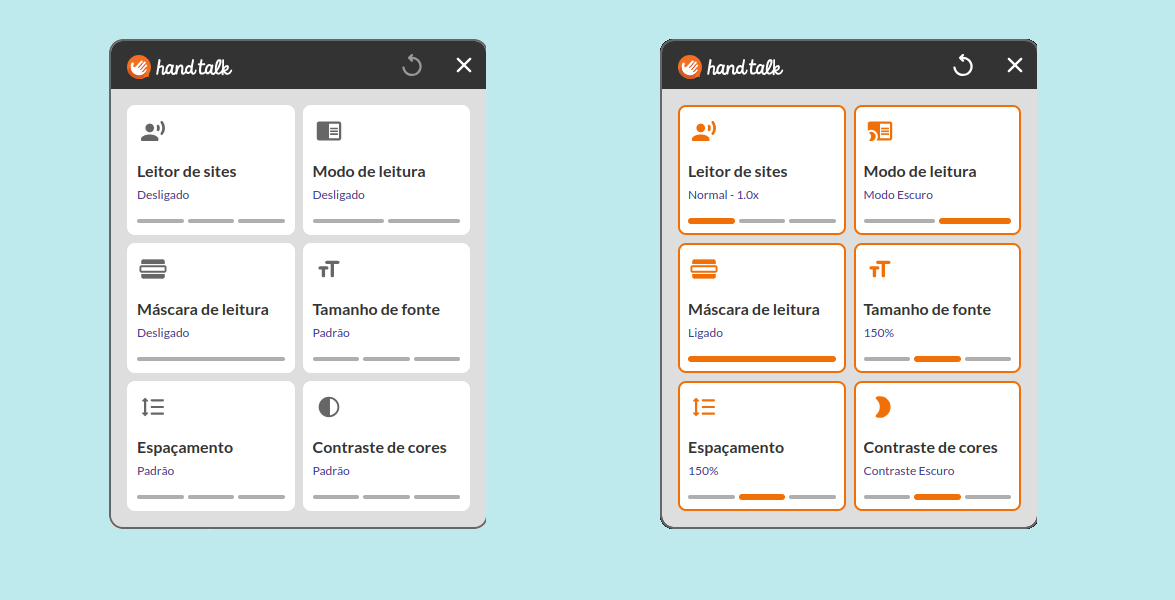
About desktop Accessibility Features
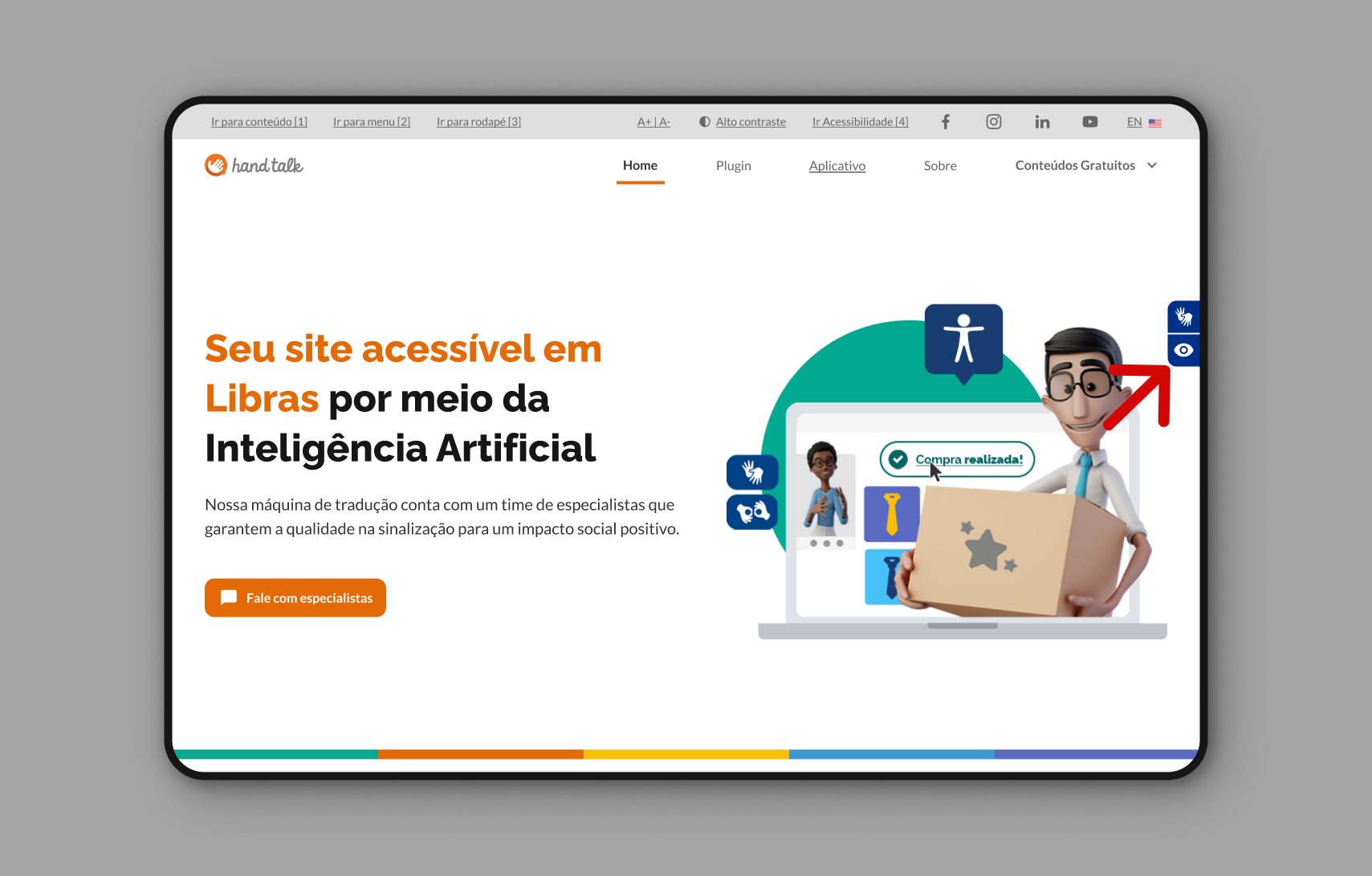
Users can access the Hand Talk Plugin's Accessibility Features by clicking on the button located just below the Websites Translator button.
The available assistive features include the website reader, reading mode, reading mask, font size, line spacing, and color control, which can be used simultaneously. Additionally, there is a functionality that resets the applied settings on the site, the ↺ "Clear Settings" button.
To activate any feature, simply click on the corresponding field, and the user will receive a visually highlighted feedback in orange to indicate that the feature is in use.