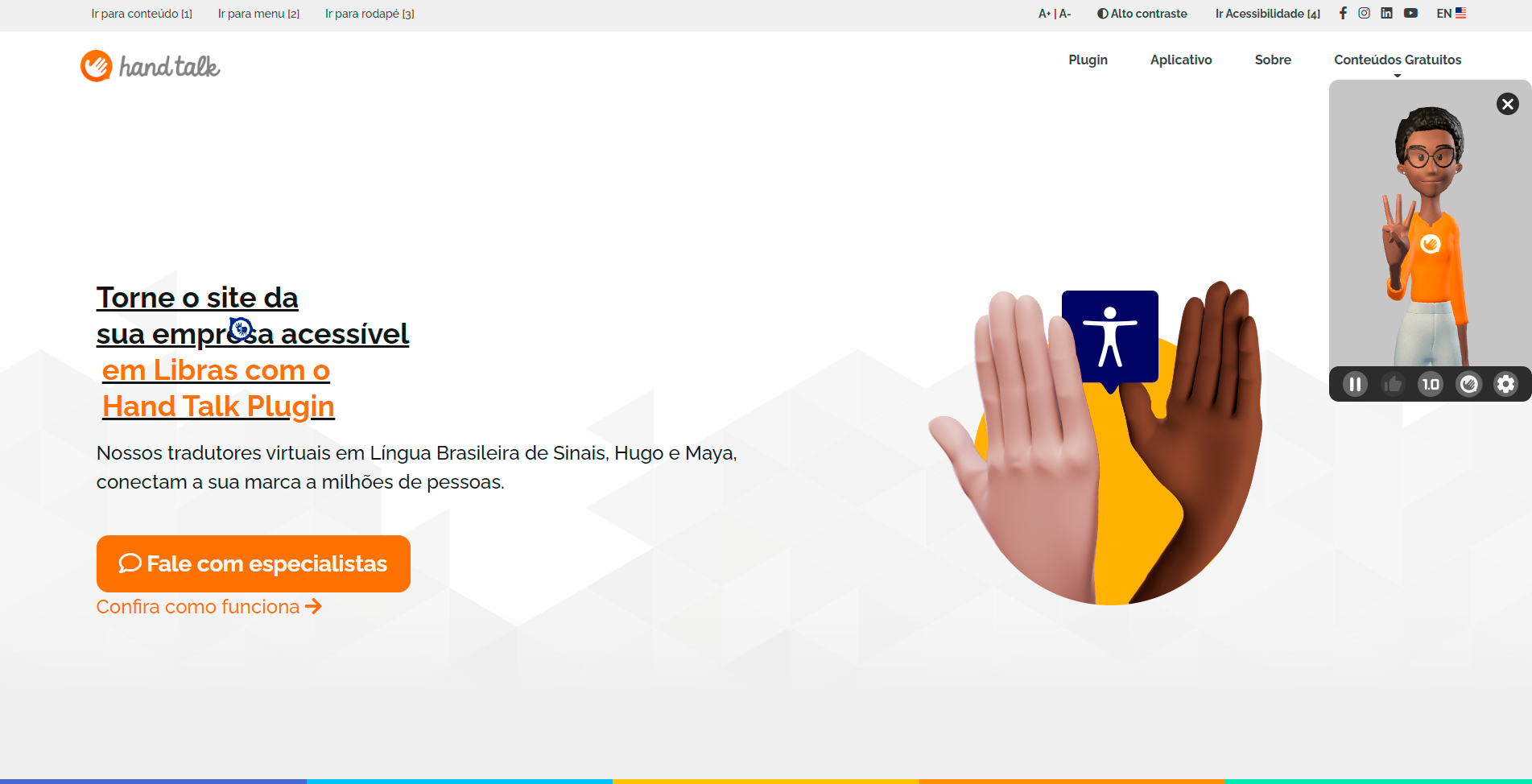
About Desktop Website Translator
The user can activate the function by clicking on the icon that represents the sign language accessibility:
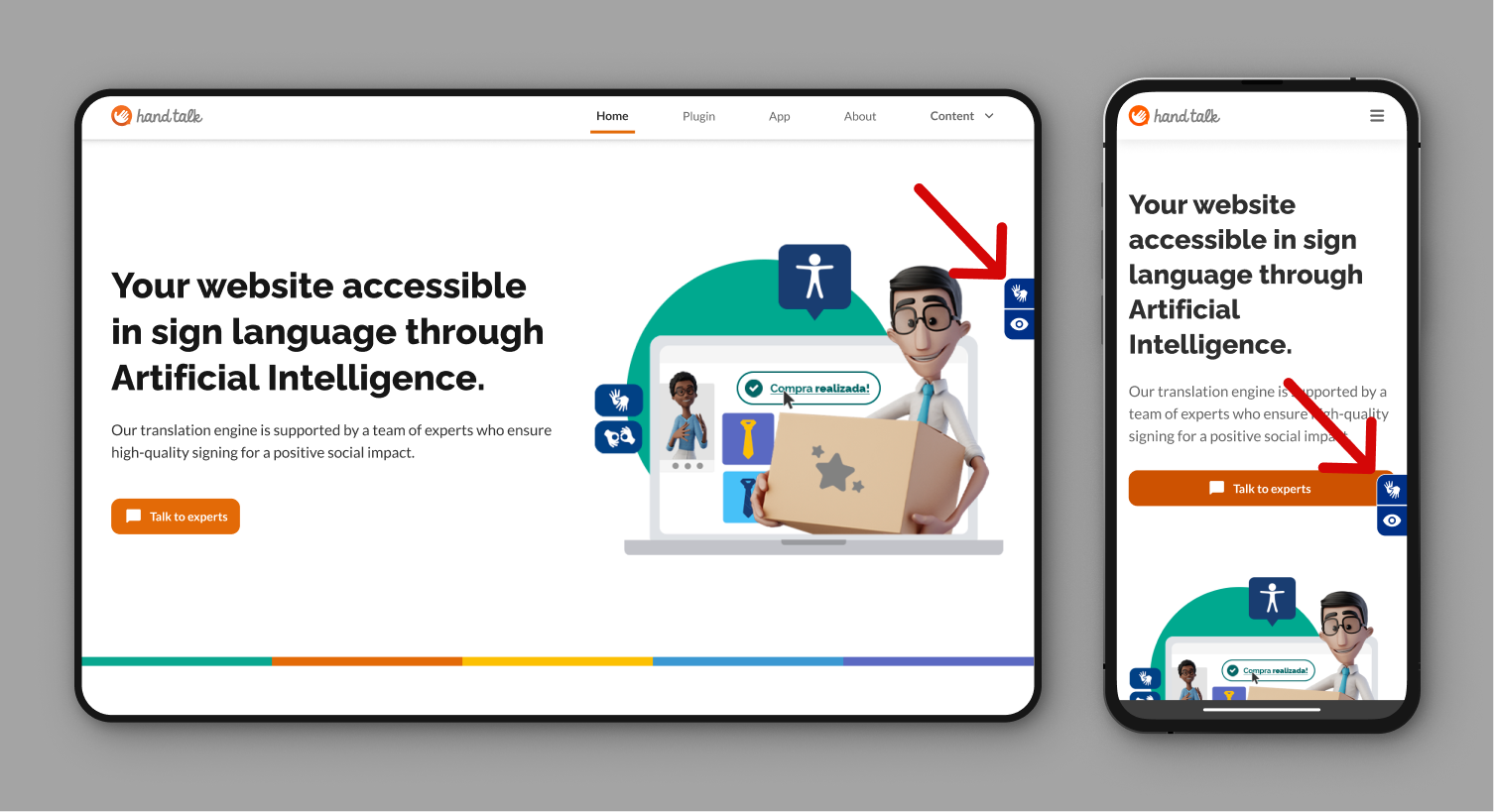
By clicking, a window will open with one of our virtual translators, Hugo or Maya.
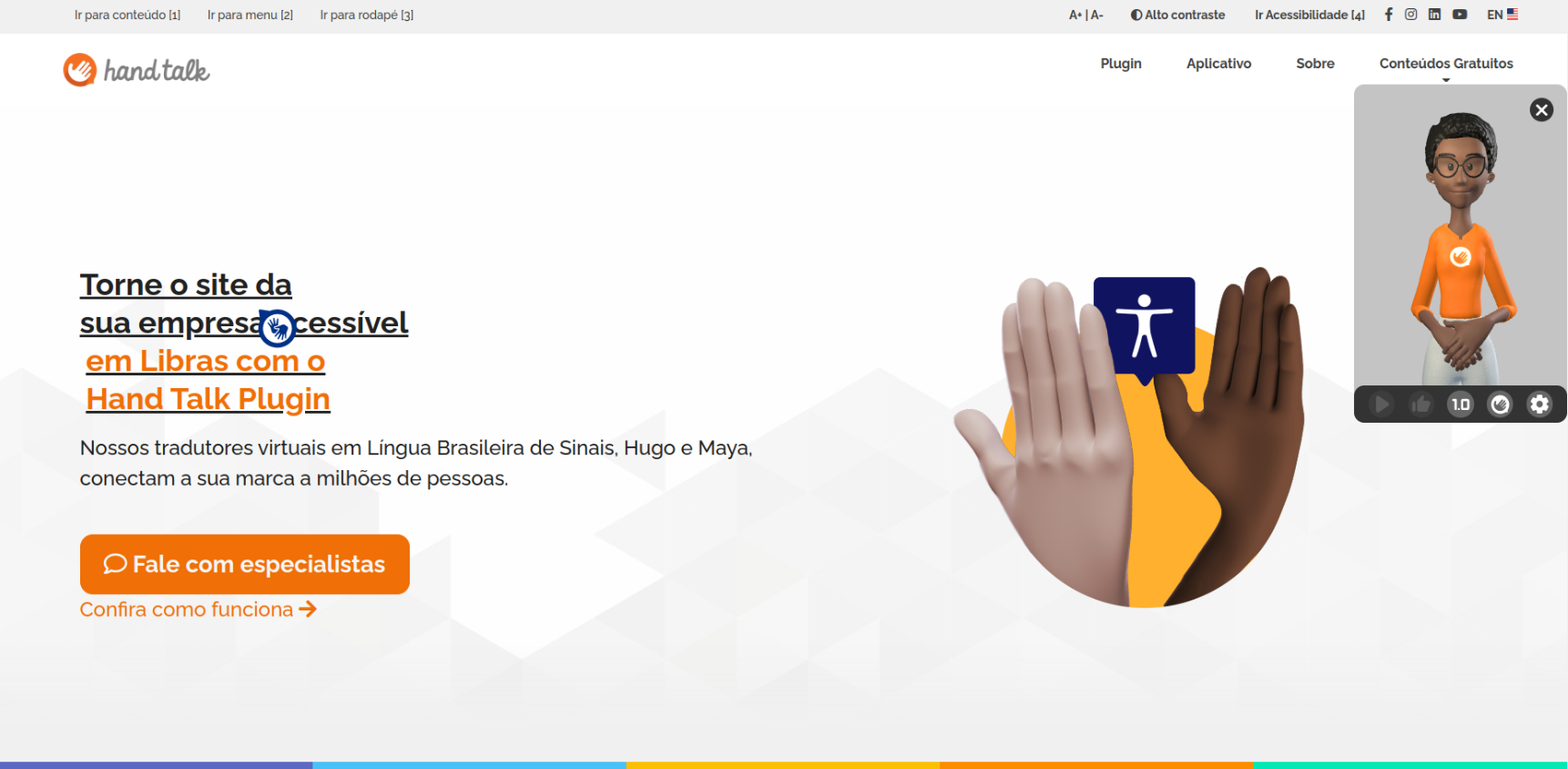
While the window is open, the texts and images with descriptions will get clickable. By clicking, the translator captures the text and signalizes the translation.